What is a duplicate booking in workforce travel?
A duplicate booking occurs when the same crew member is booked into more than one room or property for overlapping dates, often unintentionally. This typically happens when schedules change quickly, multiple coordinators are booking at once, or spreadsheets and emails are used instead of a centralized platform.
Why are duplicate bookings such a common issue for large crews?
Crew travel involves rotating shifts, last-minute changes, weather delays, and multiple stakeholders. Without real-time visibility, it’s easy to book the same person twice, forget to cancel an outdated stay, or lose track of who is arriving and departing, especially when managing 50, 100, or more workers.
Does LodgeLink automatically prevent duplicate bookings?
LodgeLink flags potential duplicate bookings by identifying overlapping dates for the same guest. However, the platform allows intentional overlaps when needed, such as staggered shift changes, overlap nights between outgoing and incoming crews, or shared roles across projects. This balance ensures flexibility without sacrificing control.
How can I quickly check if someone is already booked?
Use the “Search by Guest” function under Bookings. This allows you to instantly see all active, upcoming, or past stays tied to a specific crew member—across properties, projects, and dates—before making a new reservation.
What reports help identify possible duplicate bookings?
The Upcoming Room Nights report is a powerful indicator. Unexpected spikes in room nights, unusually high counts for a project, or overlapping date ranges can signal duplicates or forgotten cancellations before they turn into unnecessary costs.
Can multiple coordinators book at the same time without creating errors?
Yes. LodgeLink is built for collaboration. Multiple users can manage bookings simultaneously while working from the same centralized data. Permission controls ensure everyone sees up-to-date information, reducing the risk of overlapping or conflicting reservations.
How does LodgeLink handle schedule changes or last-minute adjustments?
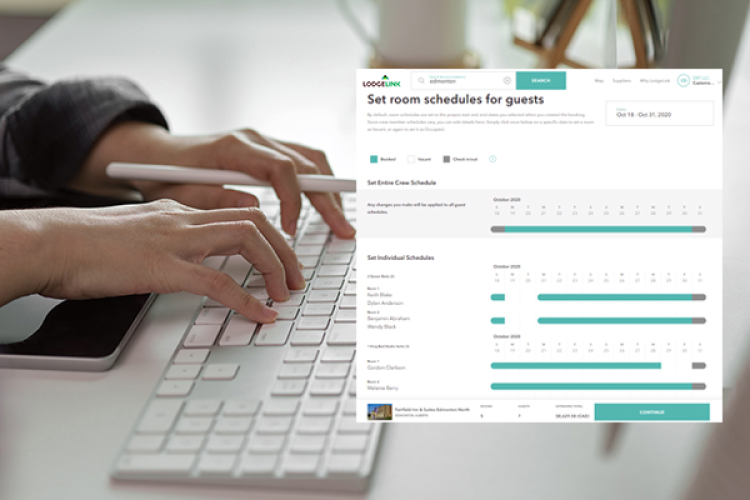
Bookings can be edited instantly from desktop or mobile. You can shift dates, swap guests, cancel stays, or update bulk reservations without starting over, helping prevent duplicate stays when plans change unexpectedly.
What if a duplicate booking is intentional?
In cases like night-shift overlaps, training handovers, or crew rotations, we understand that overlaps are sometimes necessary. LodgeLink allows these bookings while still surfacing visibility so teams understand why the overlap exists and can account for it in reporting and cost tracking.
How does centralized booking reduce duplicate bookings long-term?
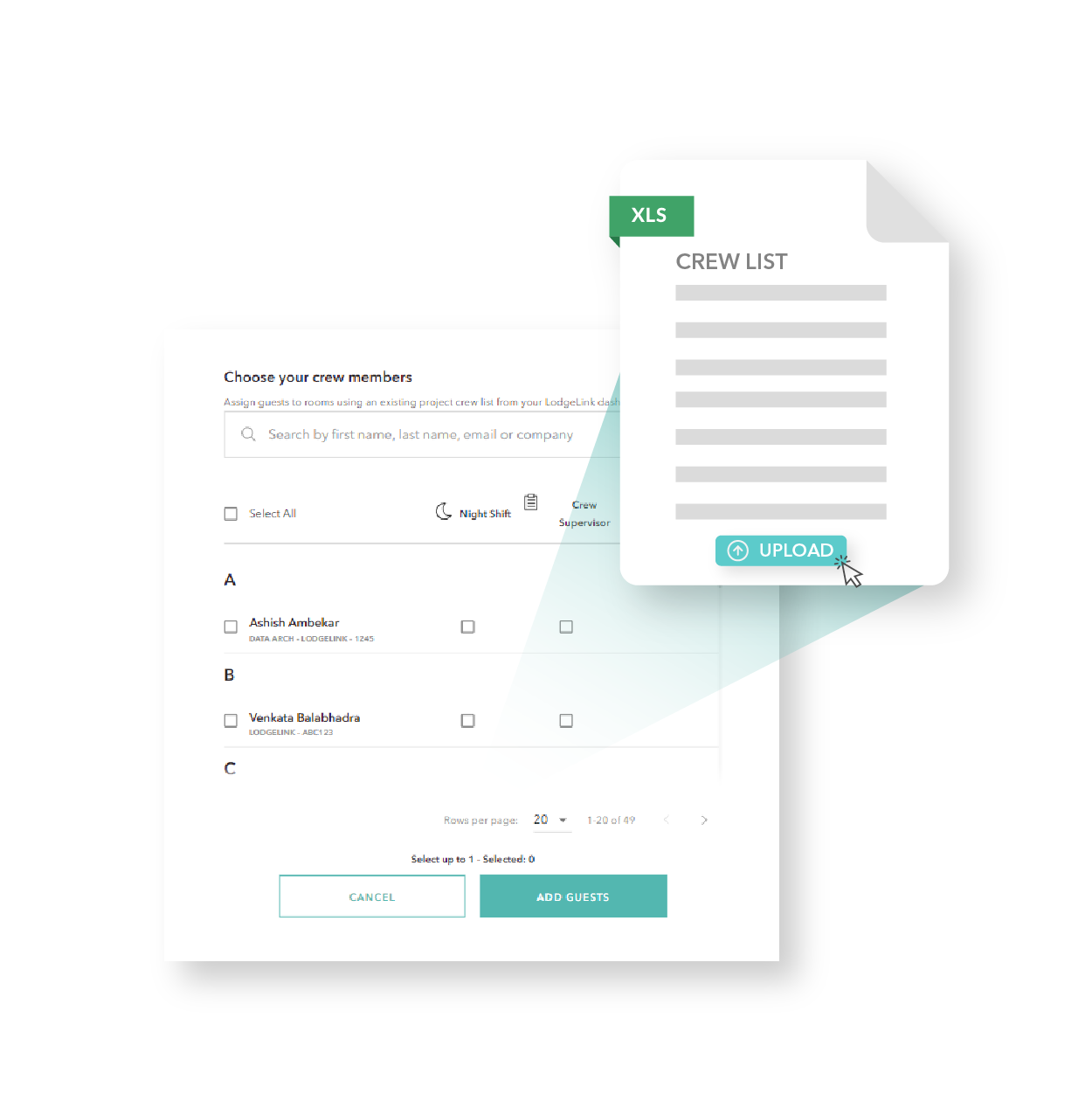
By mandating one booking platform, keeping updated crew lists, and tying every stay to a project, cost code, or rig number, you can eliminate fragmented data. Centralization replaces guesswork with clarity, so you can catch duplicates early or avoid them entirely.
Can LodgeLink help if my team still needs support?
Absolutely. In addition to self-serve tools, LodgeLink offers 24/7 Travel Desk support to help manage complex rotations, bulk bookings, and urgent changes—providing a safety net when projects scale quickly, or conditions change.
What’s the financial impact of duplicate bookings?
Duplicate bookings lead to unused rooms, missed cancellations, inflated project costs, and wasted administrative time. Over a large project, even a few errors per rotation can add up to thousands in unnecessary spend, making prevention critical for cost control.
Is LodgeLink suitable for industries with rotating or remote crews?
Yes. LodgeLink is purpose-built for industries like construction, oil & gas, mining, utilities, and transportation, where high-volume, rotating workforce travel is the norm and precision matters.